Tablet menu
Tablet menu for restaurants
The menu your guests hold in their hands. Full screen on iPad and Android tablets, with large photos, video and languages, and ready to keep working when the wifi fails.
No card, nothing to install.
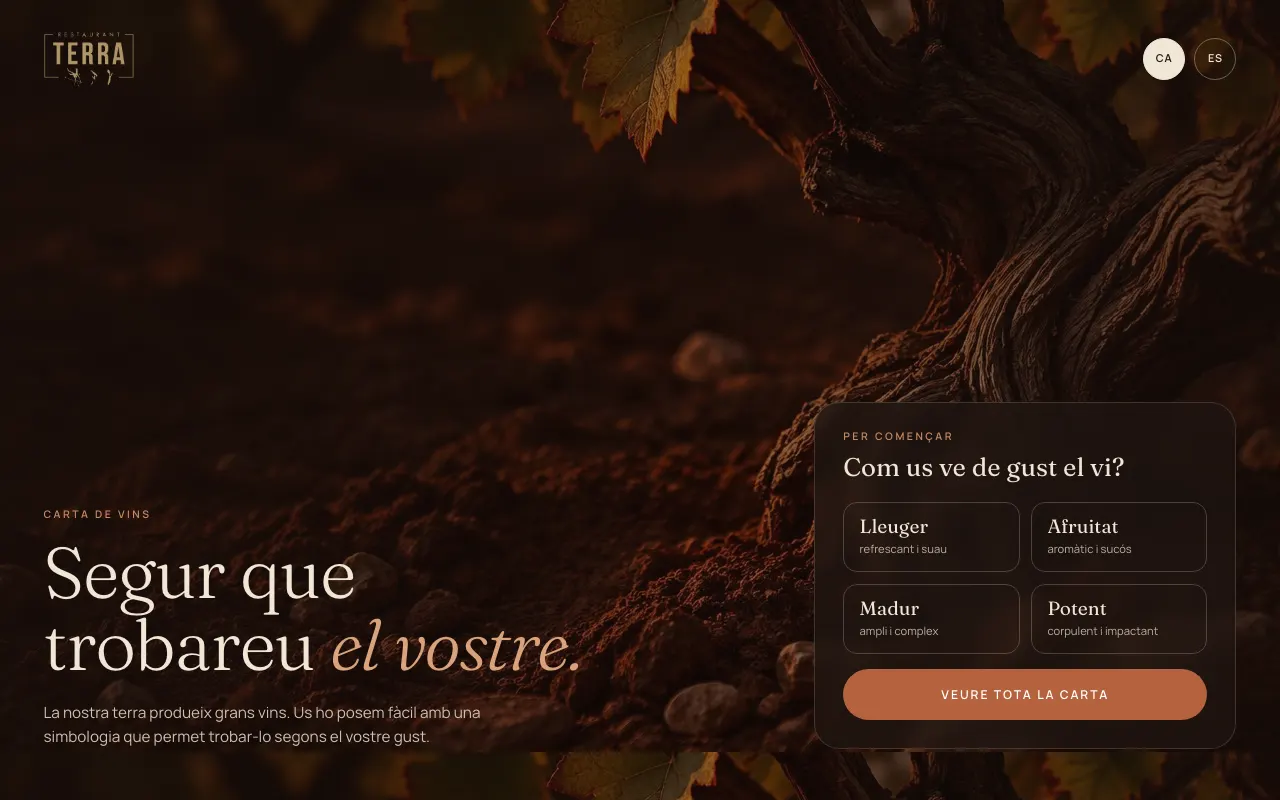
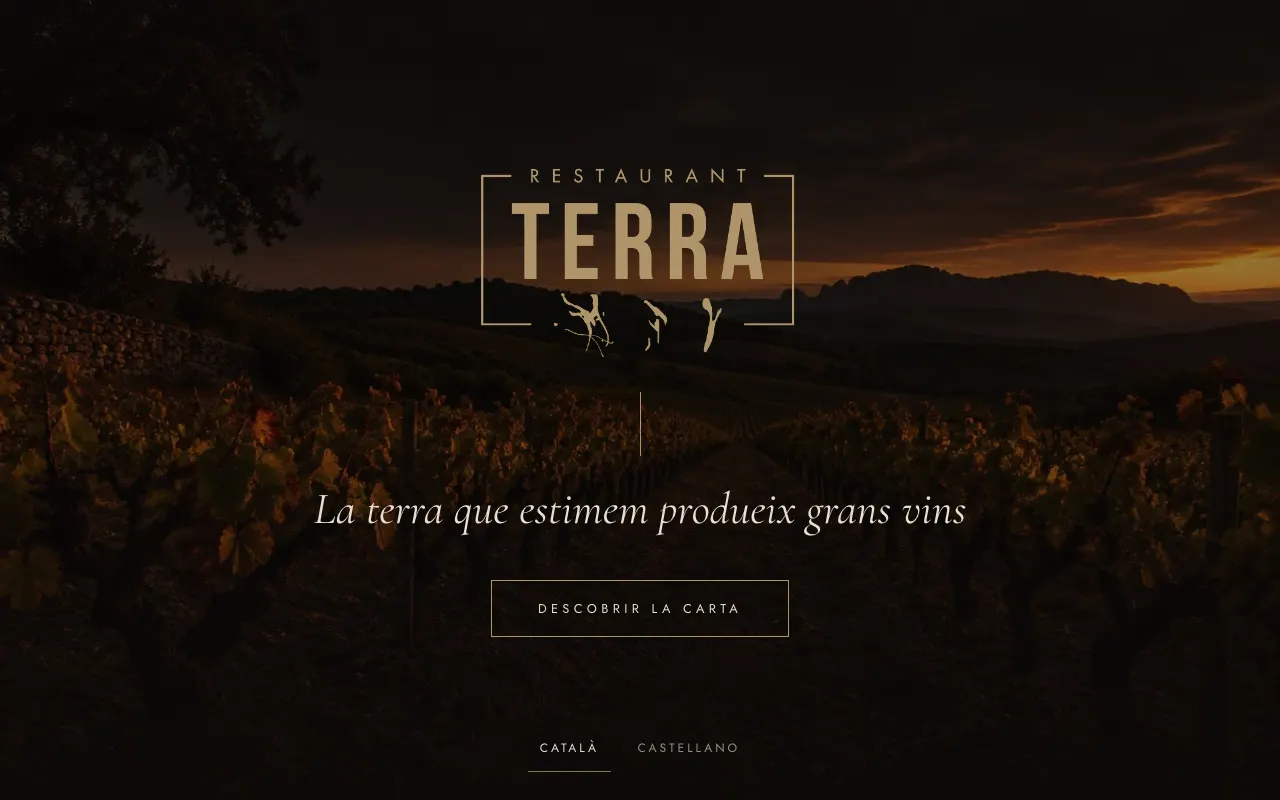
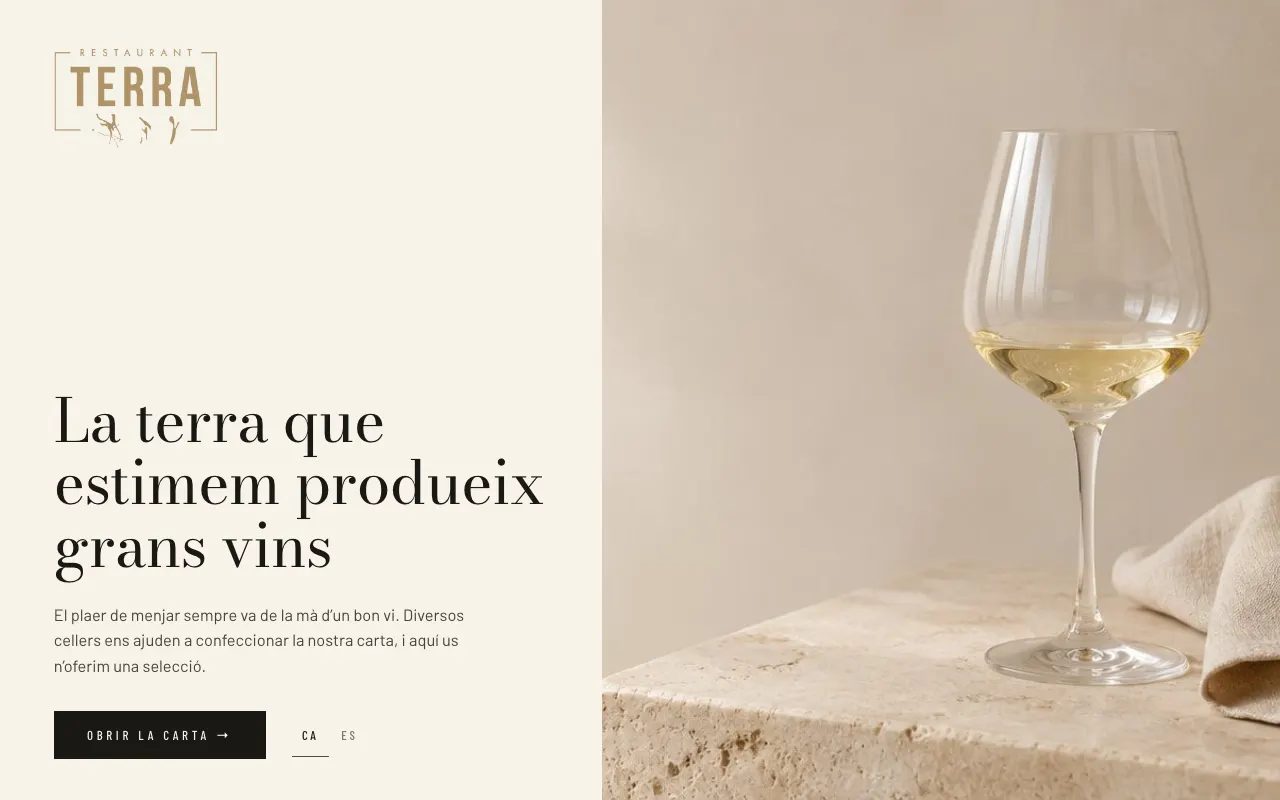
Three designs, the same menu
You pick the design for each menu in the dashboard and change it whenever you like. The content isn't touched.
iPad and Android
On Android you install the Carta a Punto app. On iPad you add it to the home screen from Safari and it works the same way, full screen.
Paired with a code
Open the app, type in the venue's pairing code and the tablet downloads its menus. No usernames or passwords in the dining room.
Works offline
The tablet stores the entire menu, with photos, audio and video. When the connection comes back, it updates itself.
Table mode
The menu fills the whole screen and returns to the cover when the table is done. Settings are protected by a code.
Several menus on one tablet
Wine, food and cocktails on a single tablet, or one fixed menu per tablet. You decide in the dashboard.
Photos, video and voice
Each item's page can include a photo, a video and an audio clip that describes it in the guest's language.
The tablets you already own will do
No special hardware to buy: any recent iPad or Android tablet works.
No card, nothing to install.